Snapback - Window Restorer
When you undock, wake the PC or plug a monitor back in, Windows piles your windows onto one screen. Snapback puts each one back on the right monitor, at the right size.
Get it in the Microsoft Store
When you undock, wake the PC or plug a monitor back in, Windows piles your windows onto one screen. Snapback puts each one back on the right monitor, at the right size.
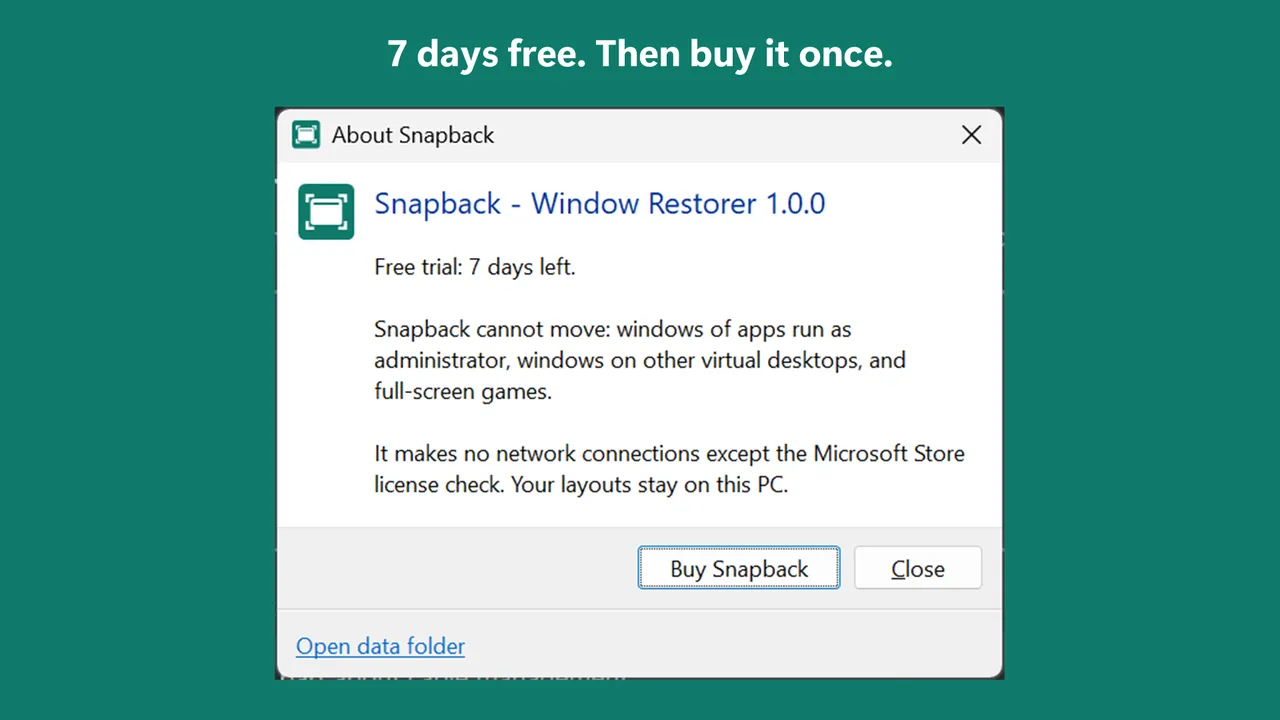
Get it in the Microsoft StoreTry every feature free for 7 days. After the trial, it is a one-time purchase. No subscription.
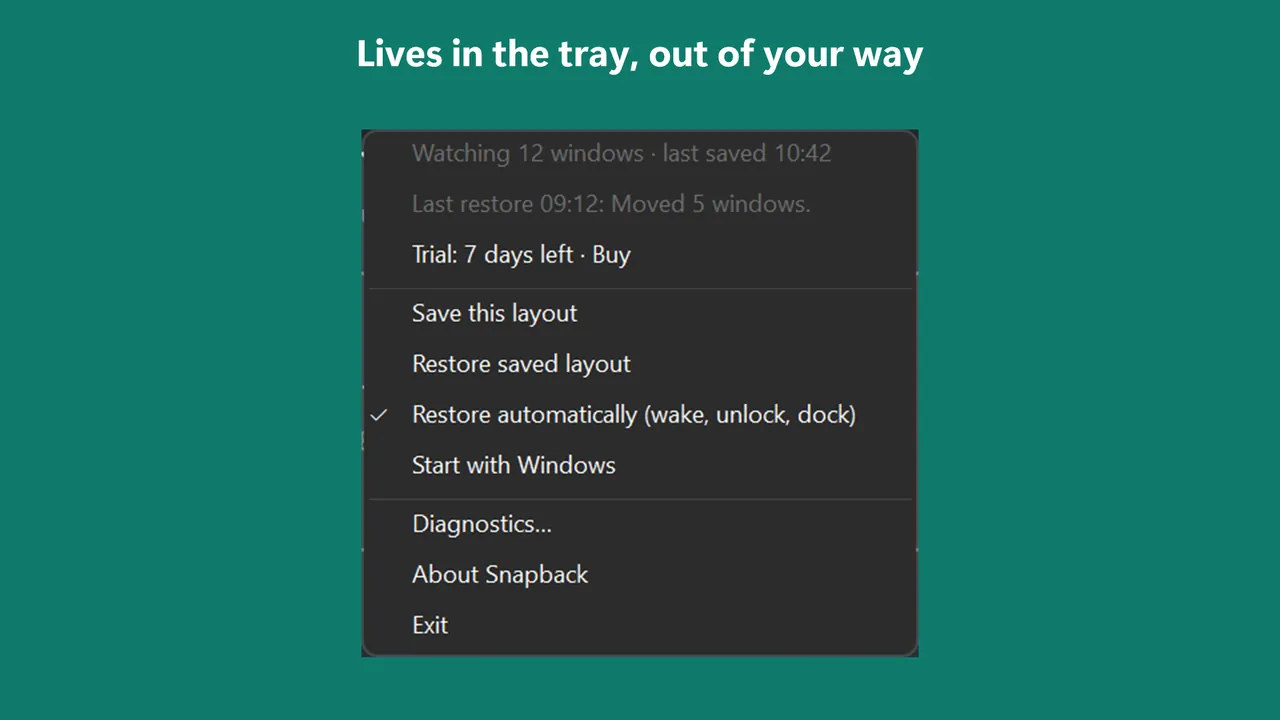
Snapback sits in the tray and notes where your windows are every few seconds. When your monitors change, your PC wakes, or you unlock it, Snapback waits for the screens to settle and moves each window back. Minimized and maximized windows stay that way. Windows that are already in place are not touched.
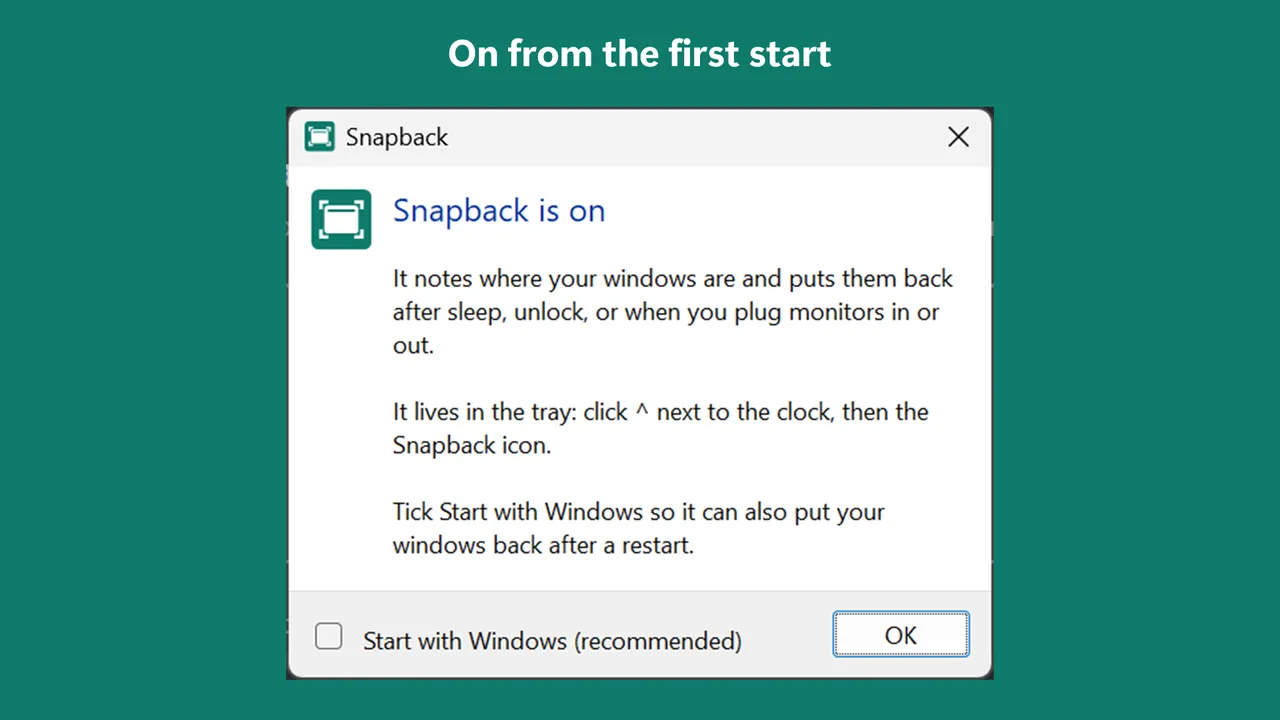
Install it and it starts working. Tick "Start with Windows" once so it also runs after a restart.
Windows 11 has its own option to remember window locations when a monitor is reconnected. Snapback also acts on sleep, unlock and docks, keeps a separate layout for each monitor setup, and lets you save a layout and bring it back with one click.
If Windows already put a window back, Snapback leaves it alone. If you see the two fight, turn off the Windows option: Settings > System > Display > Multiple displays > clear "Remember window locations based on monitor connection".
Email support@onceware.app, or read the support page. Privacy: Snapback privacy policy.