Clipsmith
Turn a long video into short, captioned vertical clips for Shorts, Reels and TikTok, on your own PC. Nothing is uploaded and you do not need an account.
Get it in the Microsoft Store
Turn a long video into short, captioned vertical clips for Shorts, Reels and TikTok, on your own PC. Nothing is uploaded and you do not need an account.
Get it in the Microsoft StoreYou recorded a 90-minute podcast. Finding ten good clips means scrubbing the timeline for hours, or uploading the file to a site that charges credits by the hour.
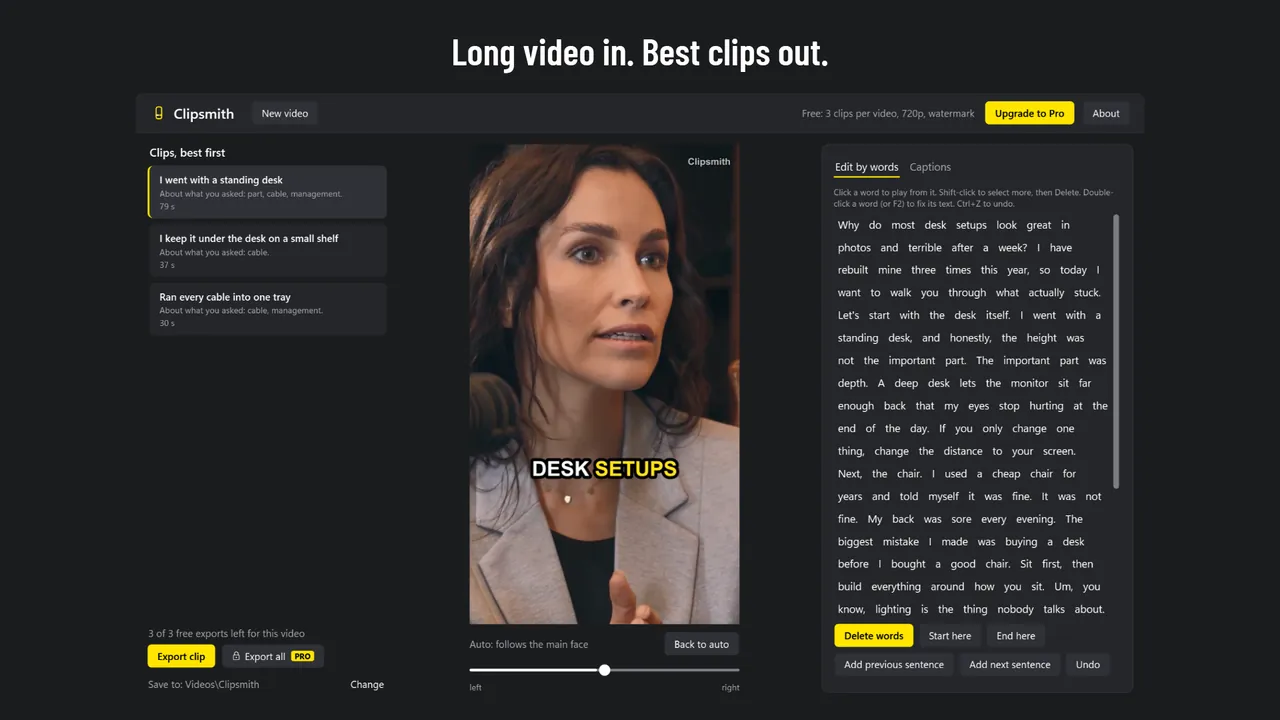
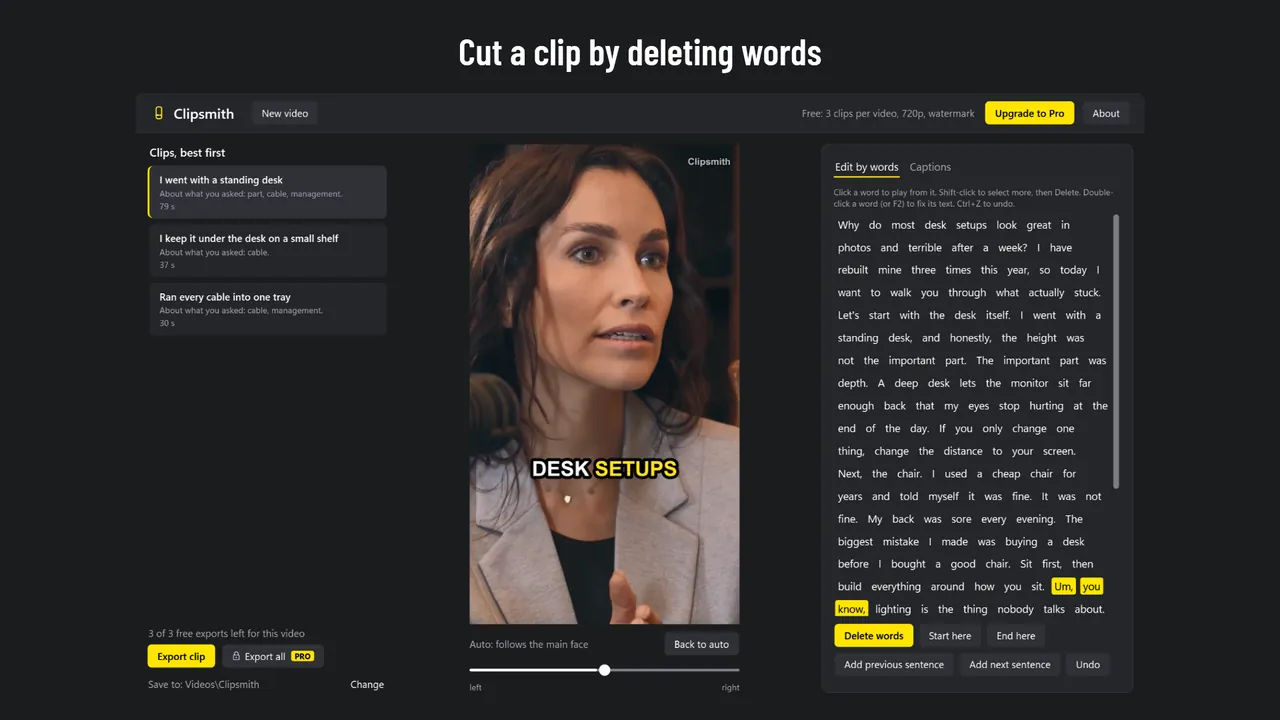
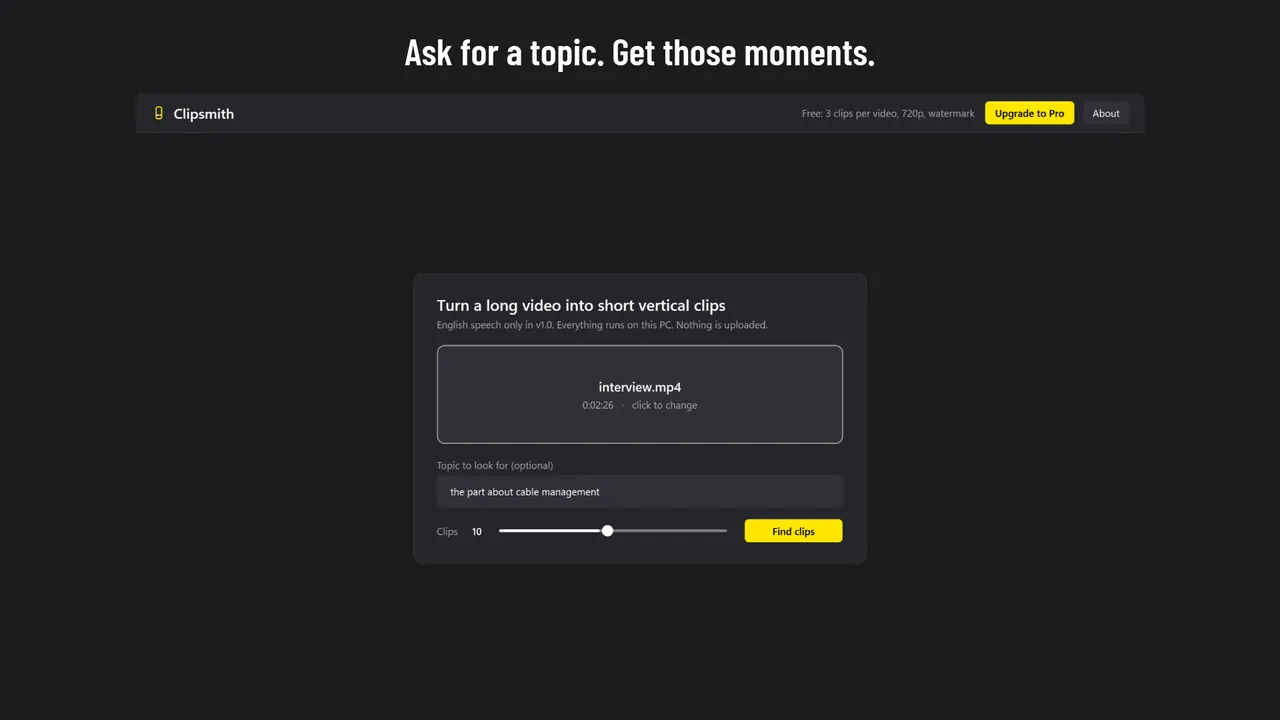
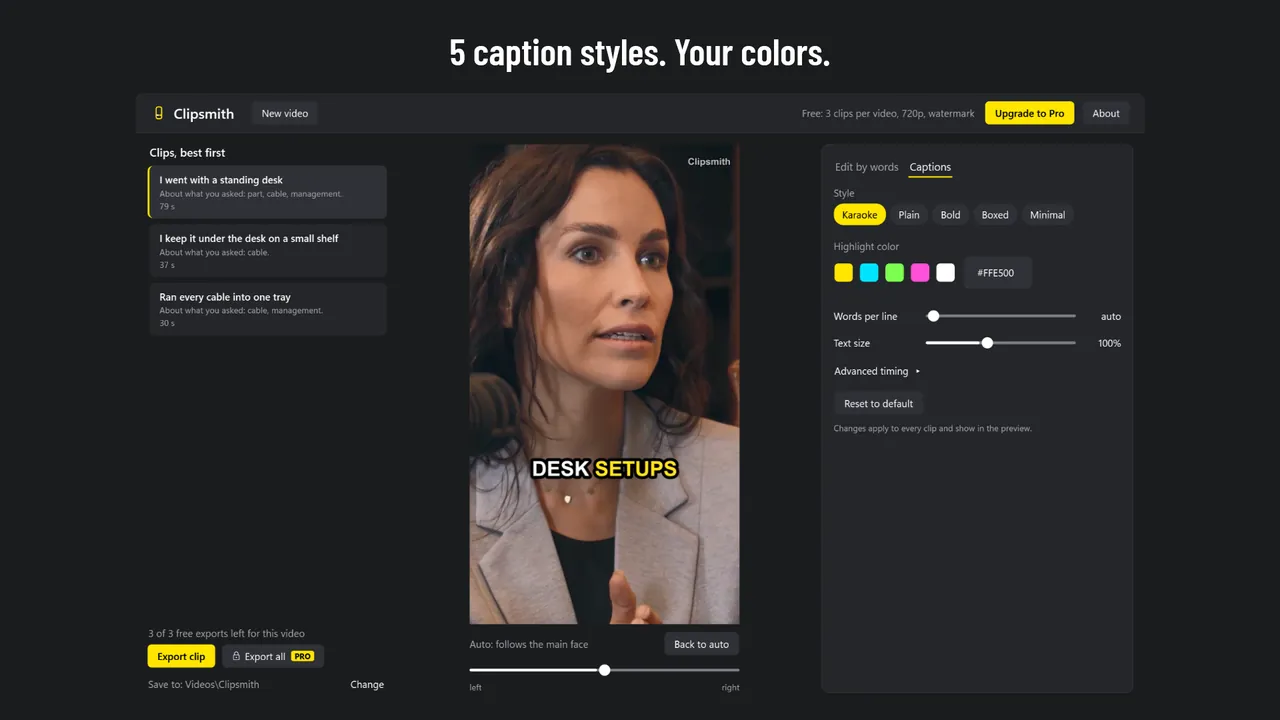
Clipsmith listens to the whole video and lists the best 20-90 second moments, best first. Each clip says why it was picked: it opens with a question, it starts and ends on a full sentence, it is about what you asked for.
Clipsmith is free to download. Clipsmith Pro is an add-on you buy once in the Microsoft Store. It is not a subscription.
| Free | Pro | |
|---|---|---|
| Clips you can export | 3 per video | No limit |
| Resolution | 720p (720x1280) | 1080p (1080x1920) |
| Watermark | Small "Clipsmith" watermark | None |
| Export all | No, one clip at a time | Yes |
| Finding clips, editing, captions | Yes | Yes |
Renaming or copying a video does not reset the 3 free exports. The free exports use the same video encoder as Pro, so you know export works on your PC before you buy.
Email support@onceware.app, or read the support page. Privacy: Clipsmith privacy policy.